Levels of content: In praise of the middle

The middle has never really been a comfortable or desired place to be, though most people are in it. Perhaps only in sandwiches does the middle get its chance to shine. Otherwise, the various middles—brows, seats, classes, children, test scores—connote a space that’s fine. Conditions aren’t dire and you could always be doing worse. You could also always be doing better. Good luck if someone calls your restaurant “mid”. The middle: inglorious, uncomfortable and schlubby; purgatorial and mildly punishing.
Believe it or not, though: I’ve come to praise the middle, not bury it.
Current state
In most doc sets, we find things like API and SDK references, integration and migration guides, and various other task-based guides that provide detailed, step-based instructions. These are exhaustive and filled with screenshots and code samples. They’re great (as long as they’re accurate).
We also have landing pages, like a docs home page, or the parent page for an important section. These pages capture browsing users and help funnel intentful users to the org’s preferred user paths. They feature indexes, hero secions and images, cards, and other links.
We’d call the API ref and those guides low-level content. And the landing pages high-level. What comes in between?
The Middle
I’ve seen a lot of comments from users saying that they didn’t know where to start. That reminded me of being a kid in a mall and seeing those kiosks with a directory of stores and it usually had a map of the mall with a dot that said “you are here”. And I found that comforting because knowing where you were helped you know where to go. But these users were just walking around the mall, ducking into different stores, hoping each one was the one they were looking for. These users were searching for what they needed and ducking into individual docs, hoping each was the right one.
One way we can help those users is to provide a layer of content that sits between comprehensive, authoritative reference information (actual API refs etc but also detailed step-by-step integration guides and tutorials) and high-level overview, index, and landing pages. We call the former low-level and the latter high-level—so what’s in the middle? A middle level could be a bridge between the other levels as well as a map. Ideally, you could send a user to a page at this level of content and they could go from first implementation to successful operation with the content they can access from there.
The gist
Users would prefer not to read the docs at all. And we strive to create things that don’t require any instruction, that users can just pick up. But sometimes you need to read the docs. And when you do come to them, it’s because you’re a little lost. You want someone to show you the way.
Docs are maps for users before they’re instructions. Users look to all aspects of the docs to help guide them through their job to be done.
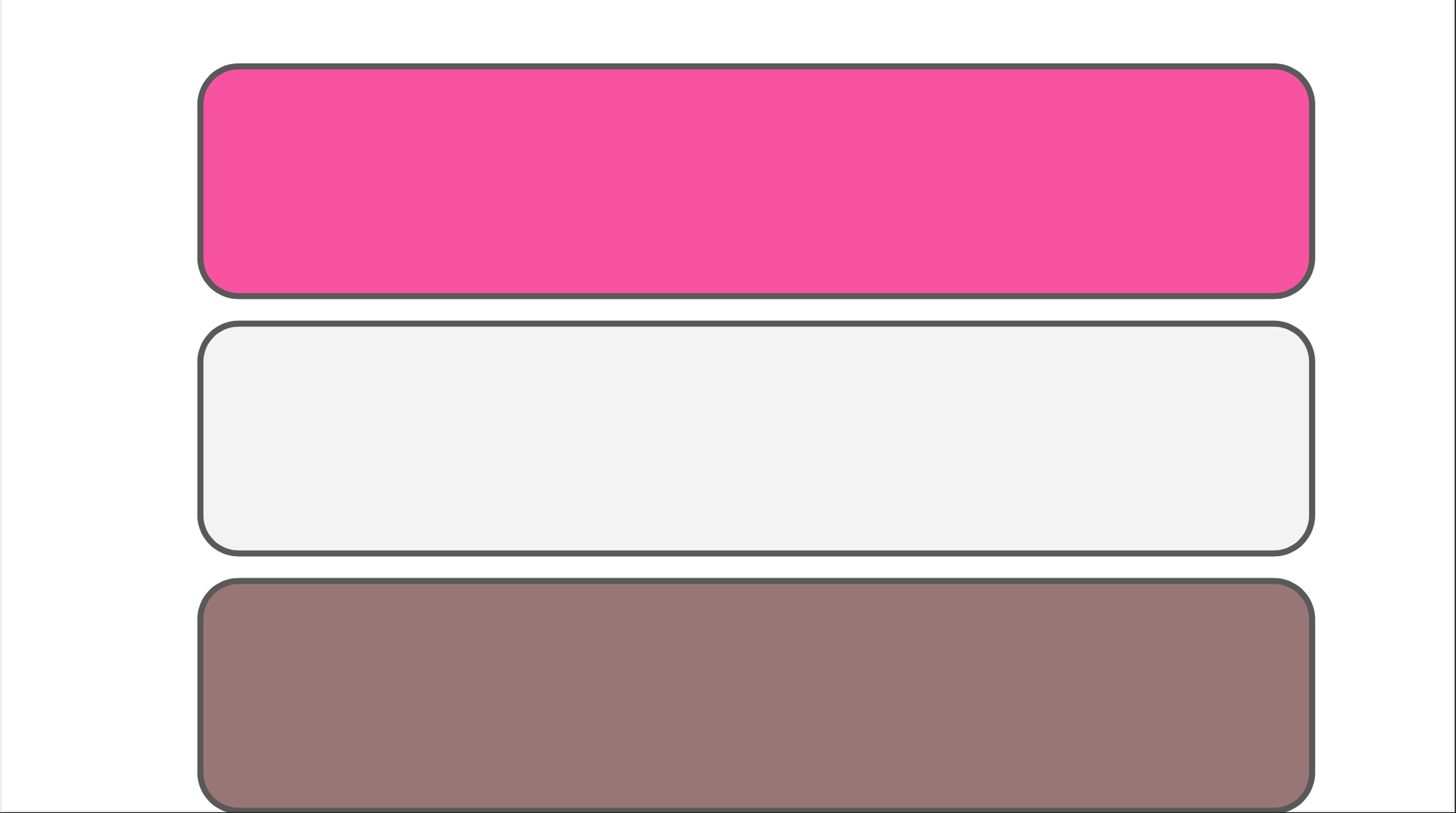
Think in terms of three levels of docs when you're building user experiences:
- High-level — finding and discovering
- Mid-level — making decisions
- Low-level — doing things
A simple framework
This framework is deliberately simple. You could easily layer other IA or organizational or conceptual schemes on top of it, or even combine it with or fold it into other frameworks.
For example, if you decided to organize your docs as graphs, you could still use this.
The point is that, as you build up a docs set, you should remember that you need to server users’ interests at different stages in their journeys. Ideally, all of the content you create should help a user understand the whole system and provide them the information they need when they need it.